Six roles, not one shared login
Volunteers, hosts, chapter leads and admins each see what their role allows, and nothing more.
One platform. One mission. Greater impact.
Behind every volunteer who shows up on a Saturday, someone confirmed them, moved a waitlist at midnight, logged the hours, and turned it all into a report a funder will actually read. Impact Idol runs that work, from the first sign-up to the final report.
Illustrative. People and organizations are fictional; each behavior shown is part of the platform.
Discover ✦ Register ✦ Show up ✦ Check in ✦ Approve ✦ Report

Your volunteers are ready to make an impact.Are you ready to manage it?
They give up Saturday mornings, bring their kids, and show up in the rain. The least we can do is make the part before and after feel as good as the part in the middle.
01 / THE PATCHWORK
The coordinator answering texts at 10:47 PM. The pantry manager counting cans before sunrise. The chapter lead three time zones from head office. Most of them run on a patchwork of tools they assembled because they had to.
Each piece works on its own. The trouble is in the gaps between them, where a cancellation, an expired check or an hour nobody logged goes missing.

02 / SEE IT WORK
Seven moments from one fundraising run, from a volunteer finding it to the report the board sees afterward. Pick any step, or let it play.
Discover
Riverside chapter · Fundraising runs
Riverside Run for Reading
Volunteers browse without signing up first: events, shifts and ongoing opportunities together.
Events, shifts and ongoing opportunities in one stream, browsable without an account.
No waiver maze, no confirmation pages. Everyone gets their own ticket.
On event day, Home becomes one card: your shift, a countdown, and the one thing to do next.
Hosts use the same app. Scan a ticket, or tap names on the list; the count is live.
Every event has a chat for host updates and the questions that come up on the day.
Hours arrive pre-filled from check-in. Approve all, and certificates follow.
Every check-in and approved hour lands in the record your admin team reports from.
Phone screens show the branded iOS and Android apps we provide for our clients. The reporting dashboard is part of the web platform. People, events and numbers are illustrative.
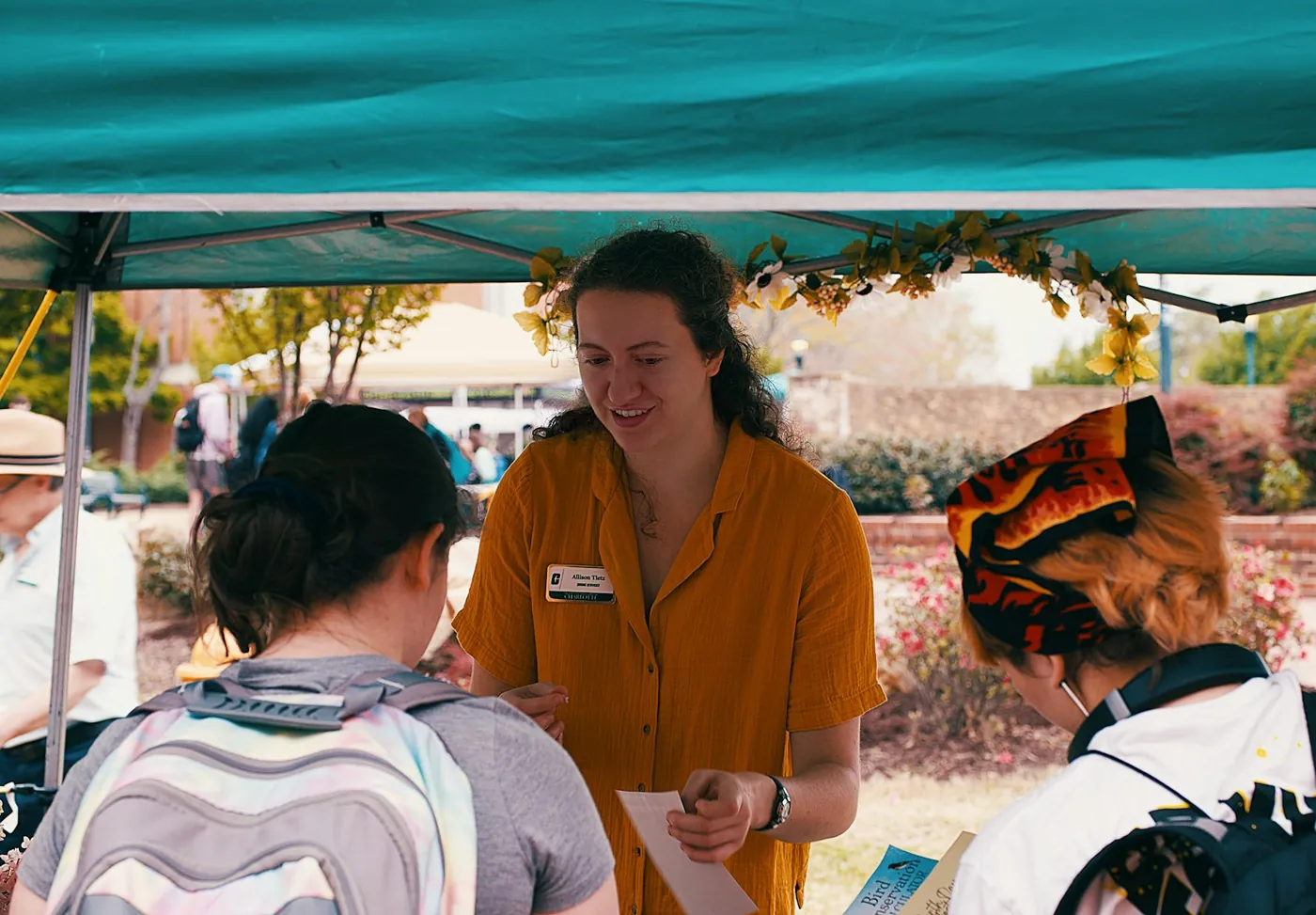
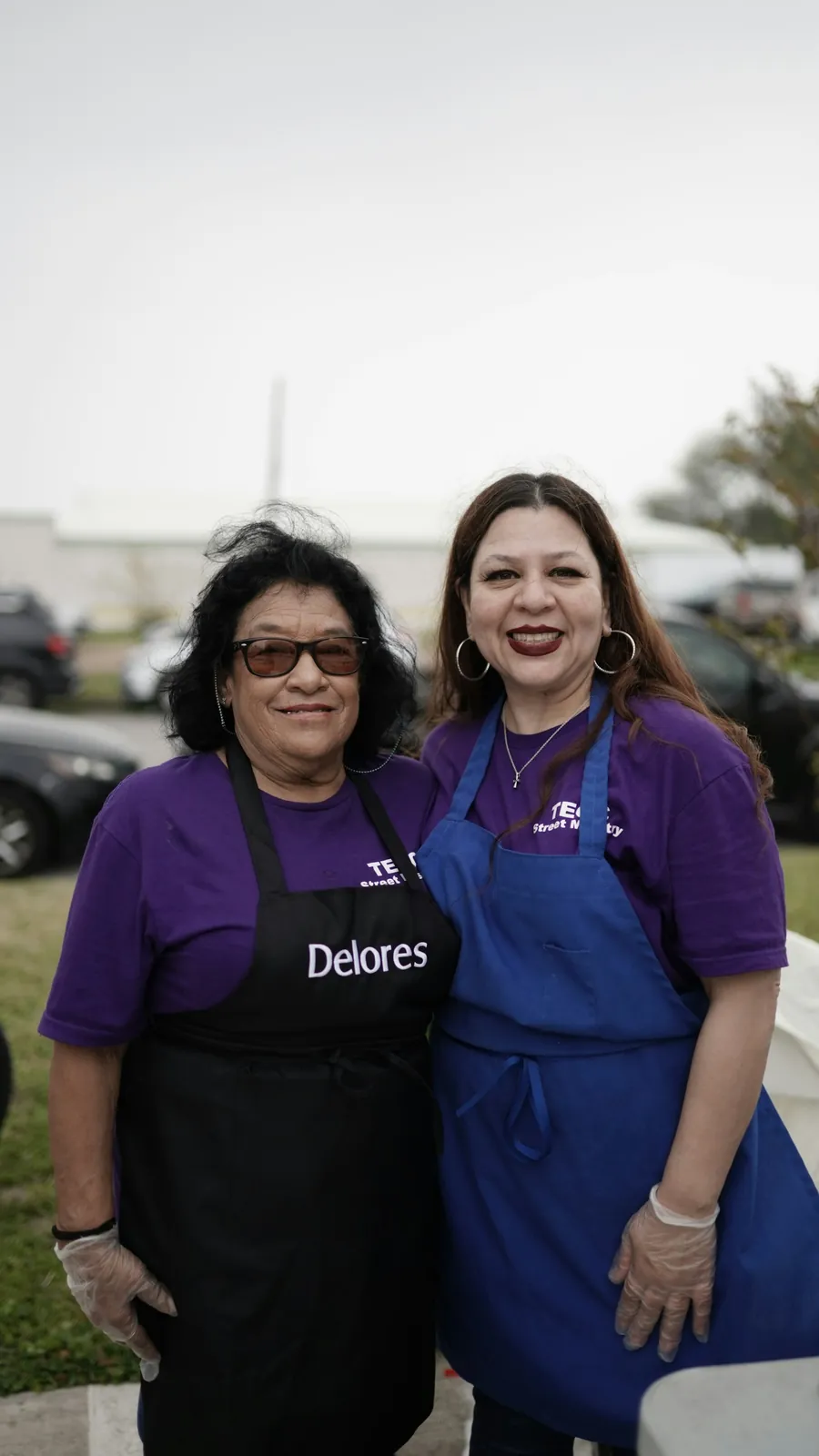
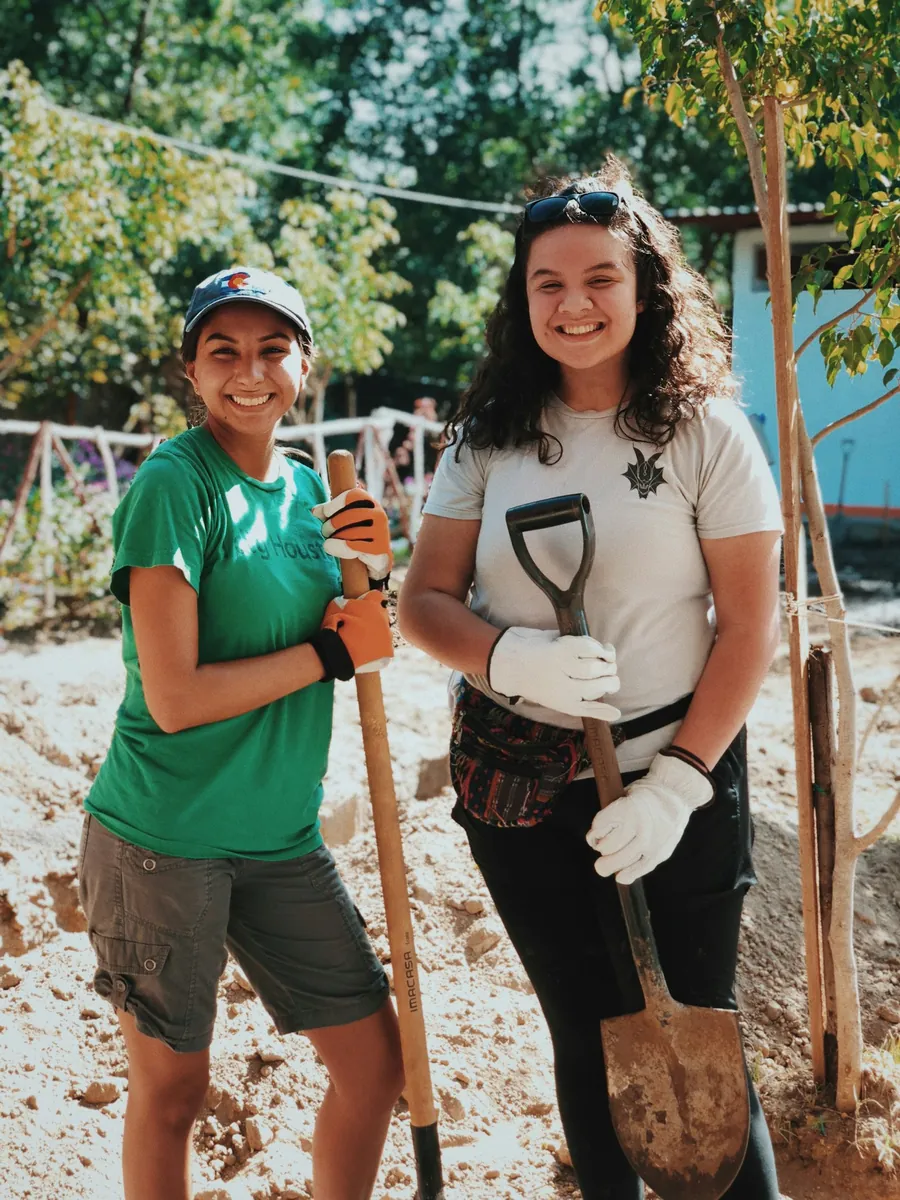
THE PEOPLE WHO SHOW UP
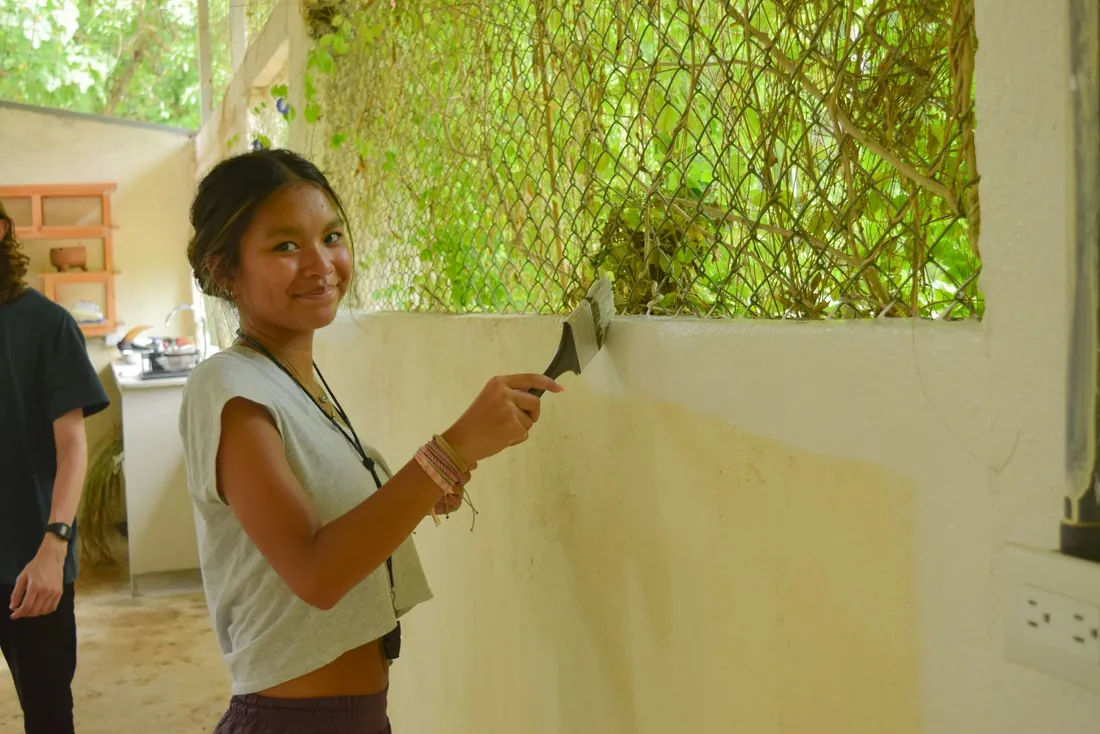
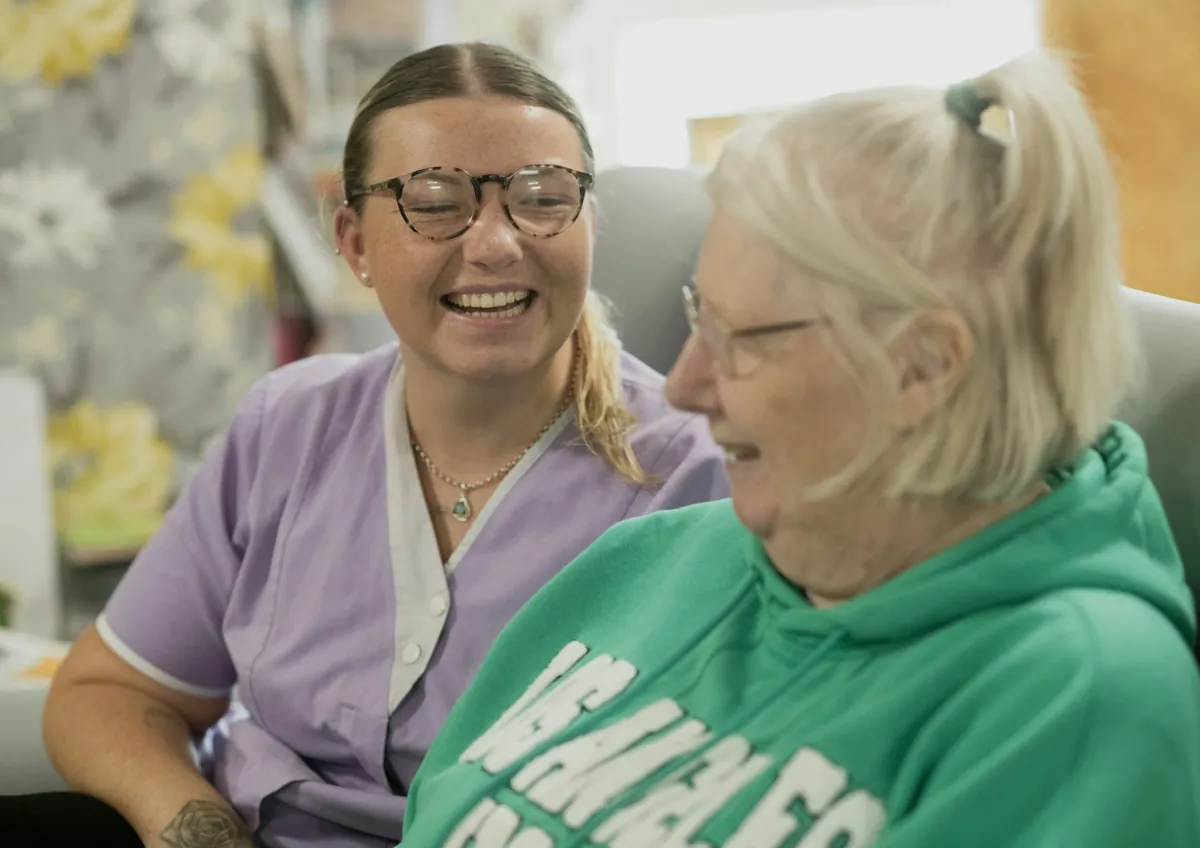
Food lines, event days, tree plantings, a visit with a neighbor. Different work, the same people holding it together.
03 / THE APP
Volunteers, families and hosts use the same app. The admin tools aren't hidden in a back office; they appear on the event itself for the people running it.
Branded iOS and Android apps, provided for each client. Screens use fictional people and events.
Ananya Rao
Riverside chapter04 / FOR ADMINS
Every registration, check-in and approved hour flows into the same record. Reports are built from it directly, not pieced together at the end of the quarter.
Also in Reports: Conferences and Impact views, a drag-and-drop report builder, and saved reports shared with your team.
Query builder
| Volunteer | Event | Hours | Waiting |
|---|---|---|---|
| Chen Wei | Clean Creek Morning | 2.5 | 4 days |
| Farah Siddiqui | Toy Drive Sorting | 3 | 5 days |
| Gabriel Santos | Tutoring Circle | 2 | 6 days |
Report views and KPI names are from the live web platform. Numbers shown are illustrative.
05 / YOUR KIND OF IMPACT
Different missions, familiar challenges. Flip a card to see how the same platform fits each one.
11 demo-inspired stories · Tap a card to flip it

06 / OUR WHY
So we built a better way.
Impact Idol gives nonprofits the tools to manage their volunteers, strengthen their programs, and focus on their impact.
Our mission
One platform. One mission. Greater impact.
More than a volunteer management system. Impact Idol is a platform to make volunteering more joyful and more effective. It is the connected platform that powers volunteer engagement, conferences, ticketed events, food pantries, giving, and the day-to-day operations that help nonprofits create greater impact.
07 / WHAT IT RUNS
One platform, one record. Turn on the modules that fit your work; every one below is in use now.
Profiles, skills, applications, questionnaires, bulk invites, six-role access control, households and guardians.
LivePublic event pages, shift matrix, recurring events, waitlists, capacity, waivers; QR, self, admin and offline check-in on the web.
LiveAnnouncements, reminders, feed, kudos, feedback, notification preferences, email and push.
LiveHours with approval queue, report and query builders, PDF/Excel/CSV exports, certificates, Impact Resume.
LiveYour branding, terminology, modules, signup rules and chapter settings.
LiveStripe ticketing, call for proposals with blind review, tracks, speakers, sponsors, badges, session check-in.
LivePeer-to-peer fundraisers, teams, campaigns, Stripe donations, drives, pickups and tasks.
LiveBarcode intake, live stock across warehouses with low-stock flags, stock counts, scanned handouts, guest requests by item and size, guest passes with QR codes, and an iOS app for pantry volunteers.
LiveService requests, dispatch queue, volunteer matching, compliance gating, background checks when configured.
LiveNative iOS and Android apps for admins, volunteers and members, in your organization's name: family registration, tickets, event-day Home, host tools, event chat, hours and certificates.
LiveEvents and shifts that repeat on a schedule, without rebuilding them each week.
LiveHOW WE COMPARE
Here is how the usual setups handle the moments that matter, and where Impact Idol fits if you're weighing a specific tool.
Built in With add-ons or manual work· Not typicallyTypical setups, not specific products. Every tool differs, so ask for a demo of the moments you care about.
A widely used volunteer management platform.
Choose Impact Idol for your own branded apps, family registration and event chat.
Read the comparison Impact Idol vsVolgisticsA long-established volunteer database, common in hospitals.
Choose Impact Idol for a modern mobile experience volunteers actually open.
Read the comparison Impact Idol vsBloomerang VolunteerVolunteer tools inside a donor-management suite.
Choose Impact Idol for volunteer operations first, plus conferences and neighbor services.
Read the comparison Impact Idol vsVolunteerHubEvent-based volunteer scheduling.
Choose Impact Idol for native apps, chat and a report builder on one record.
Read the comparison Impact Idol vsHelpful VillageSoftware built for the Village movement.
Choose Impact Idol for neighbor services alongside events, chapters and conferences.
Read the comparison Impact Idol vsClubExpressMembership and club websites.
Choose Impact Idol for active volunteer shifts, check-in, hours and certificates.
Read the comparison Impact Idol vsWildApricotMembership management with websites and payments.
Choose Impact Idol for shifts, check-in and hours, in an app with your own name.
Read the comparison Impact Idol vsPOINTFree sign-ups; check-in, waivers and reports on paid plans.
Choose Impact Idol for those program features free, in an app with your own name.
Read the comparison See every comparisonFeatures, pricing models and migration notes, side by side.
Compare platforms08 / TRUST
Background checks, minors, medical notes, home addresses. Here is what protects them, in plain language.
Volunteers, hosts, chapter leads and admins each see what their role allows, and nothing more.
Authenticator-app codes with backup codes. You decide whether admins must use it.
Uploaded ID documents are encrypted with AES-256-GCM, and uploads are checked for what they really are.
Key changes are recorded as signed audit entries, so you can see who changed what.
Teens can sign up, and a parent or guardian approves through a one-time link.
Volunteers can delete their own account, and their personal details are anonymized.
09 / PRICING
Built for the size most nonprofits really are: 59% of US nonprofits run on less than $50,000 a year.1 Larger organizations still get the software free, and pay only for the hosting their size needs.
The full platform, configured for your organization. No feature tiers.
The software stays free. You pay a monthly fee for the hosting your size needs, and nothing for features.
1 National Council of Nonprofits, About the Nonprofit Sector (2025): 59% of US nonprofits have annual budgets under $50,000, and 97% under $5 million.
FROM OUR FEED
What we keep telling nonprofits, one post at a time.


A FEW GOOD QUESTIONS
Impact Idol is a volunteer and mission operations platform for nonprofits and community organizations. It covers the whole volunteer journey in one record: discovering opportunities, registering (including families and teens with guardian approval), event-day check-in, event chat, hours approval, certificates, and reporting for boards and funders. It runs on the web and in branded iOS and Android apps.
Yes. Impact Idol brings volunteer operations together with events, chapters, Village services, conferences, giving logistics and reporting, on the web and in native apps. You turn on the modules that fit your work.
Yes. We provide branded native iOS and Android apps for your admins, volunteers and members, carrying your organization's name and colors. Everything is white-labeled, and your organization's data is kept isolated.
Impact Idol is free for organizations with up to 500 volunteers. Beyond that, the software is still free: you pay only for hosting, never for features or modules. We'll walk you through it on a call.
Yes. Branding, terminology, signup rules, chapter settings, roles and enabled modules are configured around your organization.
Yes. Reports export to PDF, Excel, CSV and JSON, and we'll talk through a full export of your records whenever you need it.
We look at your existing data and workflows during the demo, then scope onboarding and migration around what you need first.
LET'S MAKE ROOM FOR MORE IMPACT
Three short steps. You'll get access to a demo sandbox straight away, and we'll follow up with a walkthrough shaped around your work.
Answer a few quick questions so we can show the workflows that match the problems you are solving.